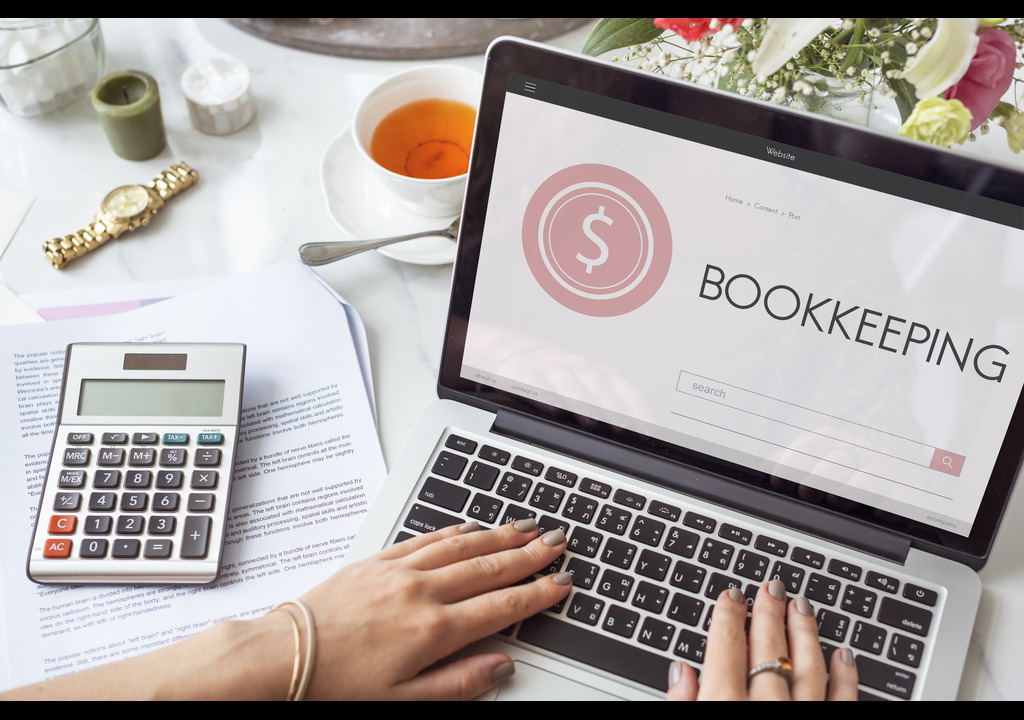
Many small business owners still track sales in spreadsheets and chase receipts at month-end. In Saudi Arabia, that gets risky fast, with 15% VAT and ZATCA e-invoicing rules. Book accounting software for small businesses replaces manual entries with one system that records, organises and reports your finances. It saves hours, reduces errors and shows where your money goes. Here are the main benefits, plus how to choose and use it well.
What Are the Core Benefits of Online Bookkeeping Software?
Online bookkeeping software records every transaction in one place. Instead of retyping figures between files, you create an invoice once, and the system automatically updates your ledgers, receivables, and reports.
For a growing business, the practical gains add up quickly:
- Time saved: Recurring invoices, payment reminders and automated entries cut repetitive admin.
- Fewer errors: Built-in checks catch duplicate entries and mismatched totals before they reach your accountant.
- Real-time visibility: Live cash flow, profit and loss, and balance sheet reports replace month-end guesswork.
- Easier bank reconciliation: Bank feeds match transactions to your records in minutes.
- Clear audit trail: Every change is time-stamped, which simplifies reviews and tax filing.
Consider a small trading company issuing 200 invoices a month. With spreadsheets, someone must check each payment by hand. With cloud accounting, payments are matched automatically, and overdue invoices are flagged the same day.
Why Do Small Businesses in Saudi Arabia Need Cloud Accounting?
Compliance is the biggest reason. ZATCA requires VAT-registered businesses to issue structured electronic invoices, and manual workflows struggle to keep up. Cloud tools handle invoice formats, VAT calculations and reporting inside one system.
Many owners start with Zoho Books accounting software KSA because it supports local VAT and e-invoicing requirements, along with Arabic-friendly invoicing. It also connects with CRM, so sales and finance teams work from the same customer data.
Expert recommendation: Before choosing any tool, confirm it supports ZATCA’s current e-invoicing phase. Requirements change, so check the vendor’s compliance documentation instead of relying on a sales page.
What Is the Best Accounting Software for a Small Business?
The best accounting software for a small business is a cloud-based platform that handles invoicing, expenses, VAT and bank reconciliation, fits your budget and grows with you. For Saudi businesses, local compliance, Arabic support and CRM integration matter as much as price.
What Are the Common Misconceptions About Accounting Software?
“It replaces my accountant.” It doesn’t. Software organises your data, and your accountant interprets it, so the two work better together.
“It’s too complex for a small team.” Modern tools are built for non-accountants. Most owners learn invoicing and expense tracking within days.
“AI is just a buzzword.” Not entirely. AI accounting software in Saudi Arabia can already categorise expenses, read scanned receipts and flag unusual transactions. It still needs human review, so treat it as an assistant, not an autopilot.
“One tool fits every business.” Retailers, contractors and service firms have different needs, such as inventory, project billing or recurring retainers. Match features to your workflow before you buy.
When Should You Switch to Accounting Software?
Switch when manual tracking starts costing more than software would. Common signs include:
- You spend more than a few hours a week on invoices and reconciliations.
- You’ve missed or paid late on a VAT filing.
- You can’t tell your current cash position without asking someone.
- You’re hiring, adding branches or seeking a bank loan, and need reliable reports.
Don’t wait for a crisis. Moving early, ideally at the start of a quarter or financial year, makes data migration much cleaner.
Expert Tips for Getting the Most From Your Software
- Start with a clean chart of accounts. Remove unused categories so reports stay readable.
- Import opening balances carefully. Agree them with your accountant before going live.
- Connect your bank feed early. Daily reconciliation takes minutes, while monthly catch-up takes hours.
- Set automatic payment reminders. Gentle, timely reminders improve collection without awkward calls.
- Train your team on one workflow. Decide who raises invoices, who approves expenses and who reviews reports.
- Review reports monthly. If you’re exploring Zoho accounting software in Saudi Arabia, a certified implementation partner can help set up dashboards that match how you run the business.
The right system saves time, improves accuracy and keeps you compliant. Book accounting software for small businesses also gives you the live financial picture you need to make confident decisions. Choose a platform with local VAT and e-invoicing support, clean up your data before migrating, and involve your accountant from day one.
If you’d like help choosing and setting up a solution that connects accounting with your CRM, speak with the team at Arabian Software for a practical walkthrough.



